
In today’s digital world, data loss isn’t just inconvenient — it can be devastating. Whether you’re a business owner managing client records or a home user storing cherished photos, the risk of losing everything due to hardware failure, malware, or accidental deletion is real. And preventable.
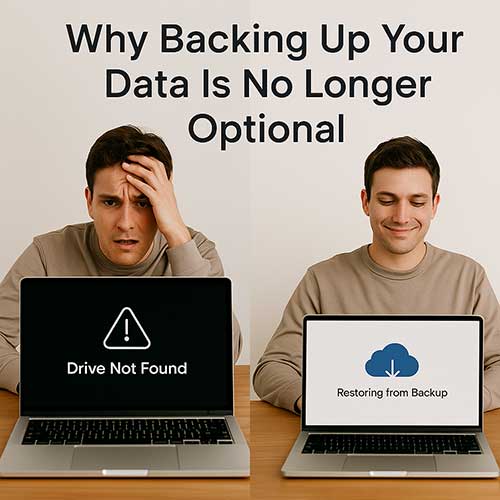
Imagine opening your laptop to a “Drive Not Found” warning. No access. No recovery. No backup. That moment of panic is exactly why proactive data protection matters. Without a backup, recovery options are limited, expensive, and often unsuccessful.
Modern backup solutions are easier than ever. Cloud-based services offer automatic syncing, offsite protection, and multi-device access. Local backups — like external hard drives or NAS systems — give you physical control and fast recovery. The best strategy? Use both.
For businesses, daily or real-time backups are ideal. For personal users, weekly backups may be enough — but consistency is key. Automate your backups so you never forget.
Backing up your data isn’t just smart — it’s essential. Don’t wait for disaster to strike. Protect your files, your business, and your peace of mind by making backup part of your routine.